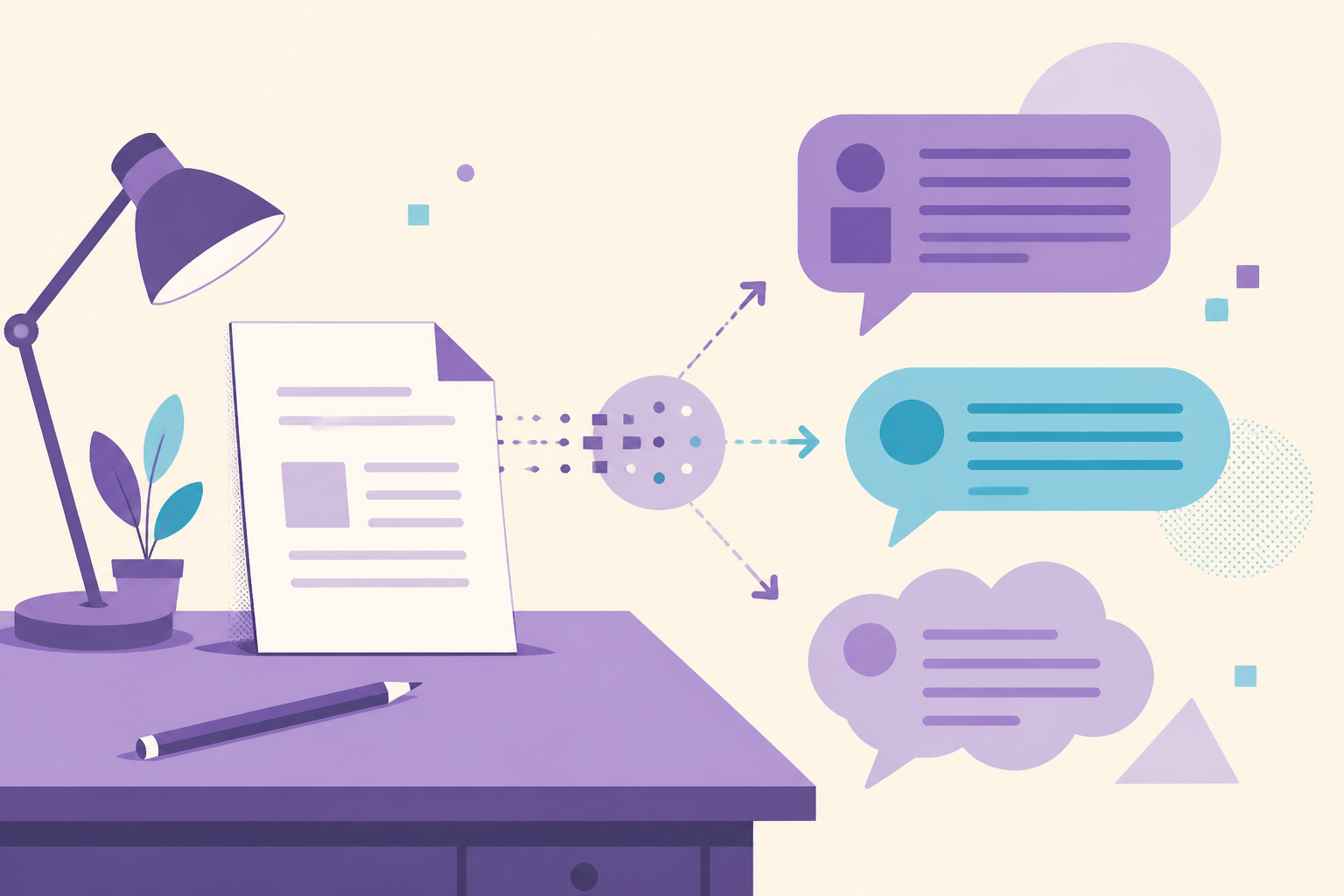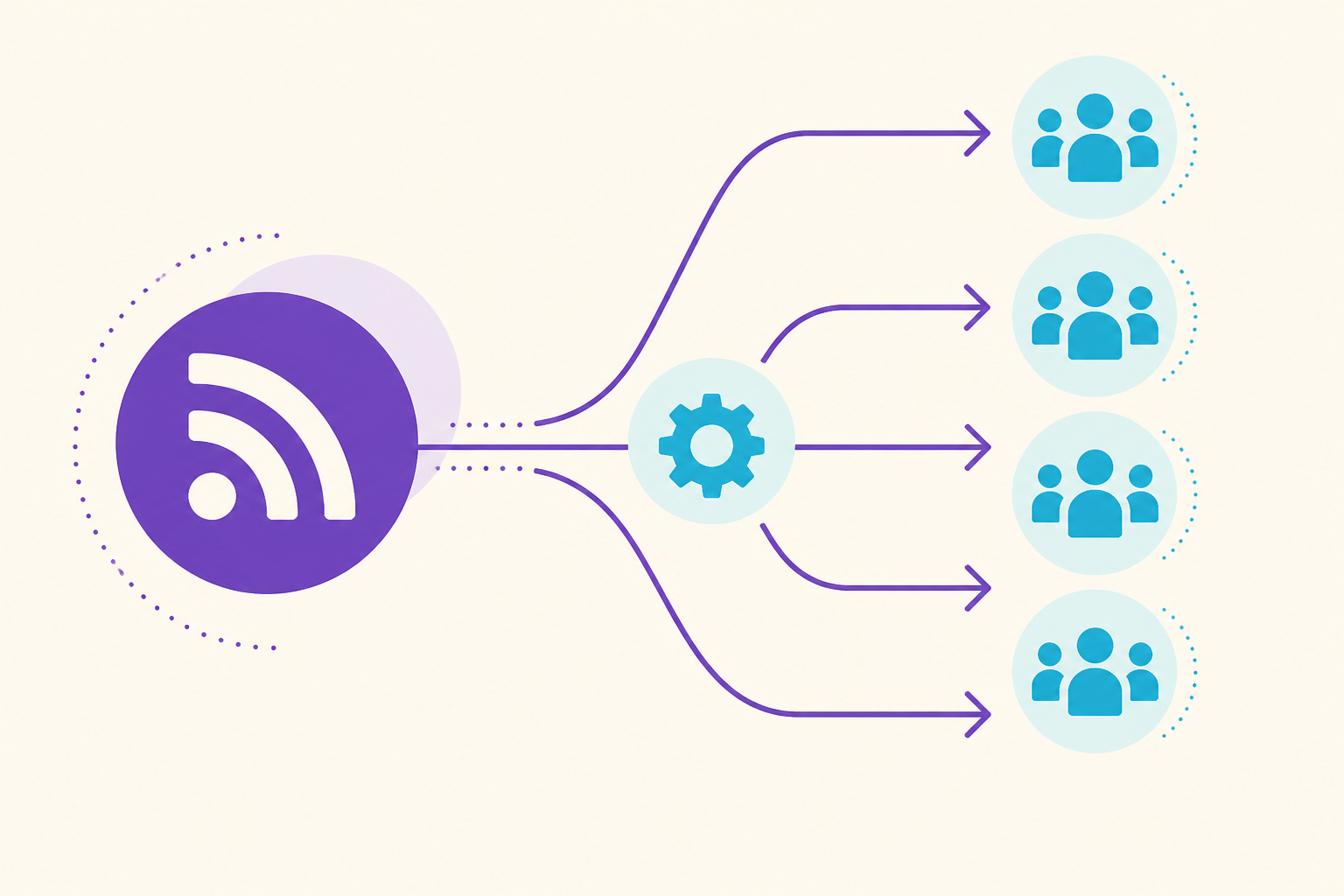
You can send new blog posts from your RSS feed to Facebook groups by connecting the feed to a tool that creates group posts with delays and varied text for each community. Native Facebook does not offer RSS-to-group posting, so use a Chrome extension like PostPartner that posts through your browser session to groups you joined.
You finally publish a blog post: “Five Signs Your Roof Needs Repair Before Spring.” It took two hours. Three people read it on your site. Meanwhile, forty local homeowners are chatting in Facebook groups about contractor recommendations.
The gap is distribution. Copy-pasting every new article into fifteen groups every week is tedious. Ignoring groups wastes the best local channel you have. RSS to Facebook groups automation closes that gap if you set it up with the same care you would use for manual posting.
This guide explains how blog-to-group automation works, what to configure, and how to avoid spam flags when your feed posts on autopilot.
Why Connect RSS to Facebook Groups at All?
Your blog builds authority on your domain. Facebook groups build visibility where local buyers already spend time. Together they do two jobs:
SEO on your site. Google indexes your articles over months.
Discovery in groups. Neighbors see your expertise this week.
A plumber who publishes one local tip post monthly and auto-shares it to 20 groups gets more mileage from the same writing hour. A boutique that posts “How to style linen for Texas heat” touches fashion groups and city lifestyle groups without remembering to paste links every Friday.
Automation is not lazy marketing. It is consistent marketing for owners who will not manually distribute every post.
Compare the effort to ads in Facebook groups vs ads for small business. RSS-driven group posts cost no incremental ad spend. They cost setup time once and monitoring ongoing.
How Does RSS to Group Posting Work Technically?
RSS (Really Simple Syndication) is an XML feed of your latest content. Most blogs generate it automatically.
Basic flow:
- You publish a blog post on WordPress, Shopify, Ghost, or similar.
- The feed updates with title, link, excerpt, and sometimes featured image.
- A tool like PostPartner watches the feed or receives new items you trigger.
- The tool builds a Facebook group post template: intro text, title, link, image.
- Posts queue to your selected group lists with delays and spintax variants.
- The Chrome extension publishes through your logged-in browser session in groups you joined.
This uses post from RSS feed to Facebook groups directly rather than unofficial Facebook APIs.
Native Facebook does not offer “subscribe group to RSS.” Third-party browser-session tools fill that gap safely when configured with variation and limits from is Facebook group auto posting safe.
What Should Your RSS Group Post Template Include?
Raw RSS dumps look robotic: title link, title link, title link. Customize the template.
Intro line with spintax: “{We just published|New on the blog|Quick read for homeowners}: …”
Human headline tweak: Change “5 Signs Your Roof Needs Repair” to “Not sure if your roof is ready for spring storms? Five signs we see every March in {County}.”
One local sentence: Tie the topic to your service area without keyword stuffing.
Link: Full URL with UTM parameters for analytics: ?utm_source=facebook&utm_medium=group&utm_campaign=rss
Image: Pull featured image from feed when available. Upload natively to Facebook for better reach than link preview alone.
Call to action: “Save this for later” or “Message us if you want a quick look” beats “CLICK NOW.”
For AI help rewriting intros, see write Facebook group posts with AI. Always edit automated text before it goes live.
How Should You Split Group Lists for RSS Content?
Not every article belongs in every group.
Example for a financial advisor blogging locally:
| RSS category | Target group list | Example post |
|---|---|---|
| Tax tips | Local parent and professional groups | ”Quarter-end checklist for small biz owners in Texas” |
| Retirement | 50+ community groups | ”Three RMD mistakes we see in April” |
| General personal finance | City relocation groups | ”Moving to Austin: budget for property tax surprises” |
Configure filters so estate planning posts do not hit restaurant owner groups. Relevance reduces reports and increases comments.
Match list strategy to post to 50 Facebook groups without spam: themed lists, varied copy, staggered timing.
What Delays and Limits Should RSS Automation Use?
Treat RSS triggers like manual campaigns.
Delay between groups: 3 to 5 minutes minimum.
Daily cap: If your feed publishes 3 posts on a heavy day, do not push all 3 to 40 groups each. Prioritize one flagship article for wide distribution; save others for email or single-group posts.
Weekly rhythm: Align with a weekly Facebook group posting schedule. RSS might fire Tuesday morning tip content while you manually post Thursday offers.
Duplicate protection: Skip reposting the same feed item to the same group within 30 days unless you have a major update.
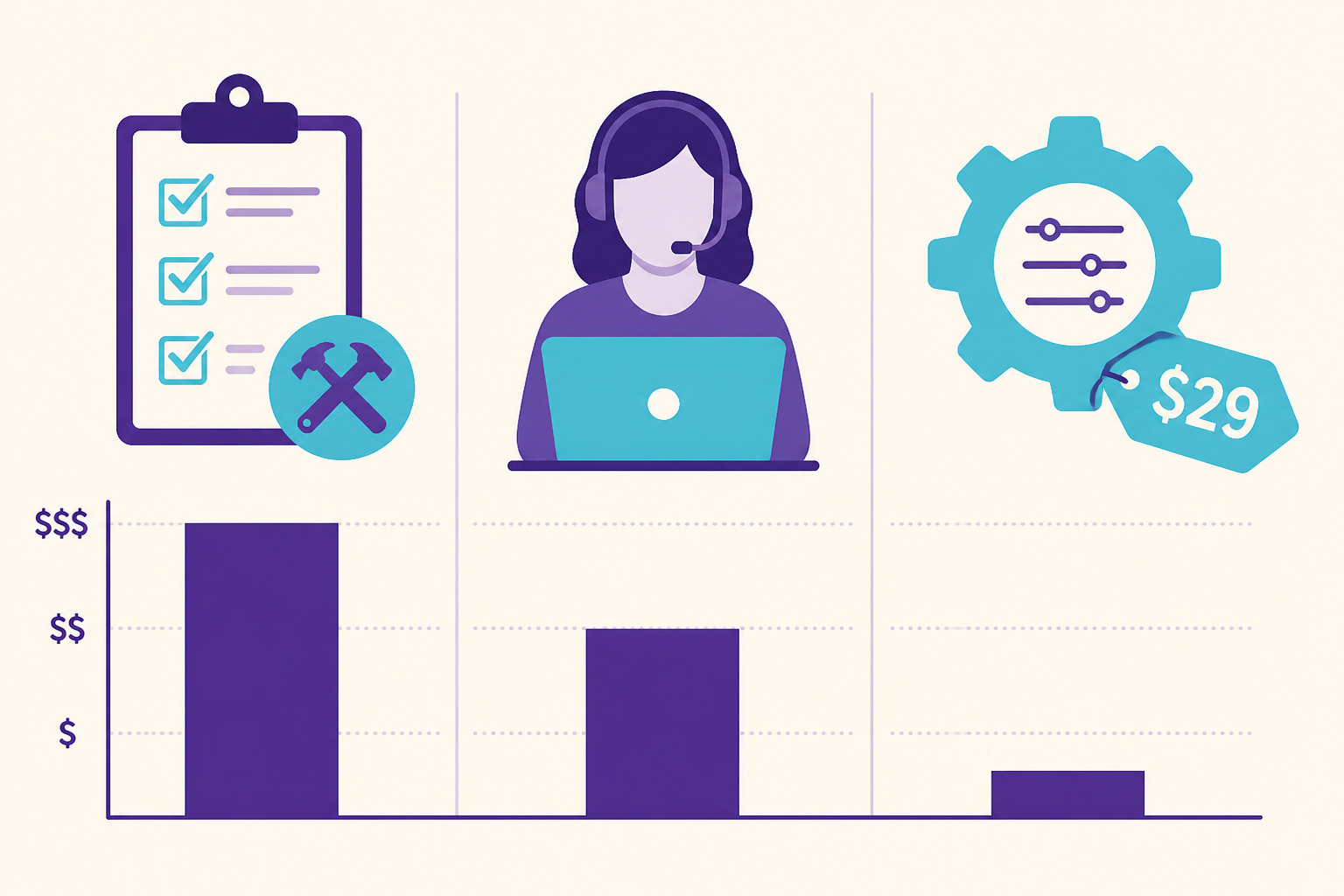
PostPartner at $29 per month includes RSS integration alongside auto post to groups delays and spintax. One-day trial, 14-day refund on first payment. See pricing.
Which Blog Platforms Work With RSS to Facebook Groups?
Most standard platforms expose a feed.
WordPress: /feed/ or category-specific feeds.
Shopify: Blog atom feed under /blogs/{handle}.atom.
Squarespace: often /blog?format=rss.
Ghost: /rss/.
Webflow: CMS collection RSS if enabled.
Test by opening the URL in Chrome. You should see XML with <item> entries and <title> tags.
If you only post on LinkedIn or Medium without your own domain, RSS automation is weaker. Groups perform best when links go to your site you control.
What Content Should You Exclude From RSS Automation?
Some posts should never auto-blast to groups.
- Pure sales landing pages with no educational value
- Duplicate thin content published for SEO only
- Controversial political or medical claims outside your expertise
- Posts with broken links or staging URLs
- Client case studies without permission to share publicly in local groups
Set up a manual approval step if your feed mixes educational and promotional content. Auto-post tips; hand-post hard sells.
Realtors with listing blogs should pair RSS market updates with the realtor Facebook group listing playbook for property-specific posts that need custom photos.
How Do You Measure RSS Group Performance?
Track more than feed hits.
UTM links in group posts show sessions in Google Analytics.
“How did you find us?” on contact forms.
DM volume the day a popular tip posts.
Comment quality: Questions mean the topic fit the group.
After 90 days, compare three RSS-auto posts vs three manual offer posts. Double down on whichever drove qualified conversations, not just clicks.
Budget context: cost of Facebook group posting shows RSS saves VA hours when you publish 4 or more articles monthly.
What Setup Steps Should You Follow This Week?
Day 1: Confirm RSS URL. Publish or pick one evergreen article.
Day 2: Write 3 intro variants for that article. Build group List A (10 to 15 groups).
Day 3: Connect feed in PostPartner or your chosen tool. Set 4 minute delays. Test 2 groups manually first.
Day 4: Review live posts. Adjust template if link preview looks wrong.
Day 5: Expand to full List A. Add List B next week.
Ongoing: Monthly review of feed items that auto-posted vs manual promos. Keep balance 70 percent helpful, 30 percent direct offer across all group activity.
What Mistakes Break RSS Automation?
Identical title and URL to 50 groups in ten minutes. Fastest way to get restricted. Vary intros and use delays.
Ignoring excerpt quality. RSS excerpts with HTML junk or “Read more” only look broken. Clean template fields.
Auto-posting every category to every group. Irrelevance draws reports.
Set and forget for six months. Feeds change URLs during site migrations. Broken RSS means silent failure.
No engagement after auto posts. Reply to comments or automation looks one-way.
Should You Use RSS Automation or Manual Posting Only?
Manual wins when you post once a month and have five groups. RSS wins when you publish weekly or more and have 20 to 50 groups who should see your expertise.
Hybrid is ideal: RSS distributes tips; you hand-craft listings, sales, and event posts.
PostPartner combines RSS, spintax, AI drafts, and browser-session posting for $29 per month. It fits owners who already blog and need local distribution without Tuesday becoming copy-paste day.
Read safety rules before scaling: is Facebook group auto posting safe.
Your blog should not sit quiet on your domain while neighbors ask questions in Facebook groups you already joined. RSS to Facebook groups, done with variation and restraint, puts your writing where local buyers actually read it.
How Often Should RSS Trigger Group Posts?
Match frequency to how often you publish and how much groups tolerate promo. A weekly blog fits one RSS-driven group wave per new article, spread across two mornings. A daily blog should not auto-hit 40 groups daily; pick one article per week for wide group distribution and share others through email or a single flagship group. Many owners set RSS to notify them on publish, review the draft intro, then release to List A only. That hybrid keeps automation honest and prevents feed glitches from spamming groups with draft titles or test posts during site updates.
Post to your groups on autopilot
PostPartner posts through your Chrome extension to every group you belong to. Set up takes about 5 minutes.
Start 1-day trialKey takeaways
- 1
RSS automation turns every new blog article into group content without manual copying each week.
- 2
Always add delays and rewrite headlines for groups; raw RSS titles pasted everywhere trigger spam flags.
- 3
Filter which RSS items post to which group lists so local groups get relevant topics only.
- 4
Pair RSS posts with manual offer posts so groups see both helpful content and clear calls to action.